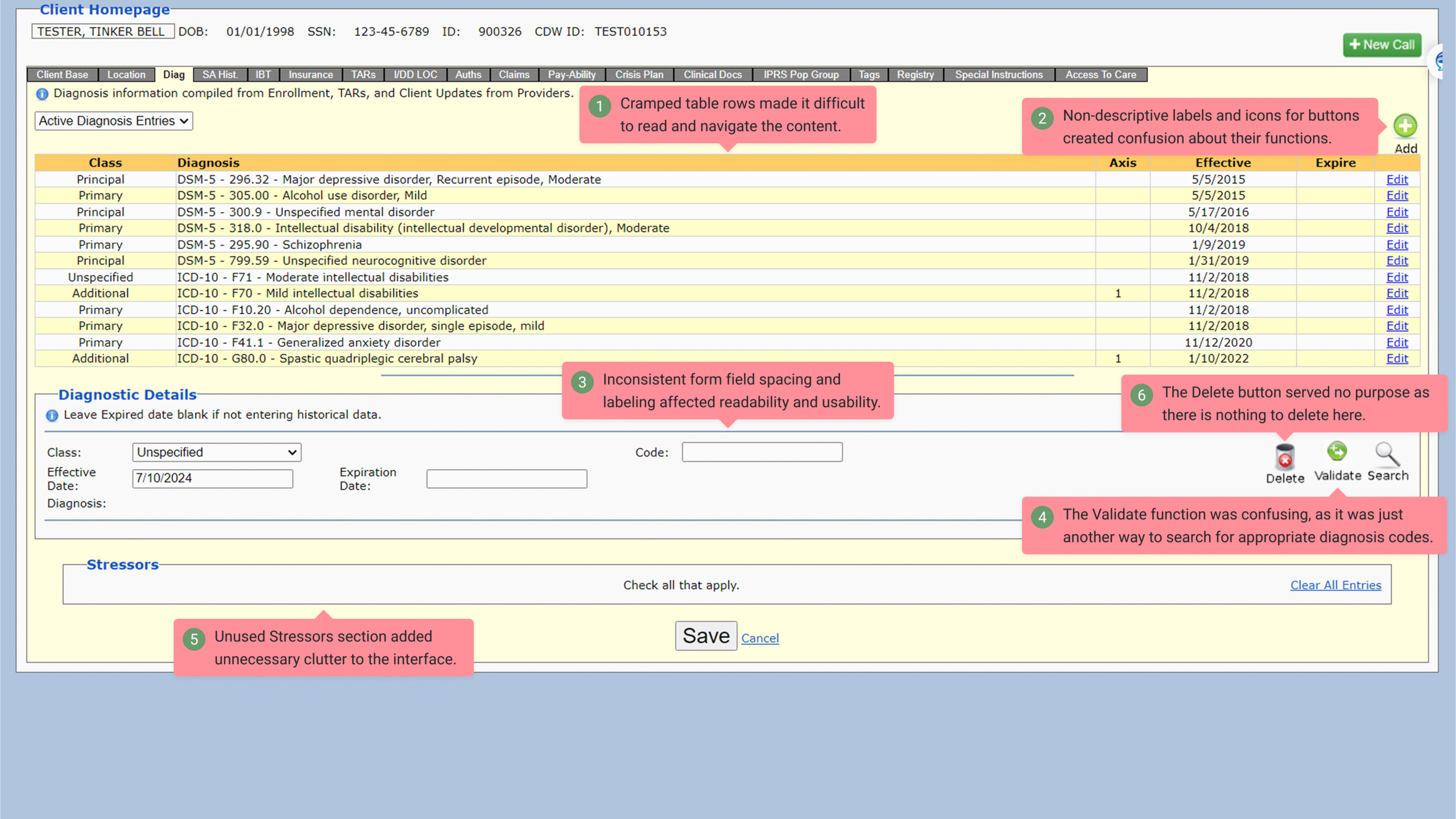
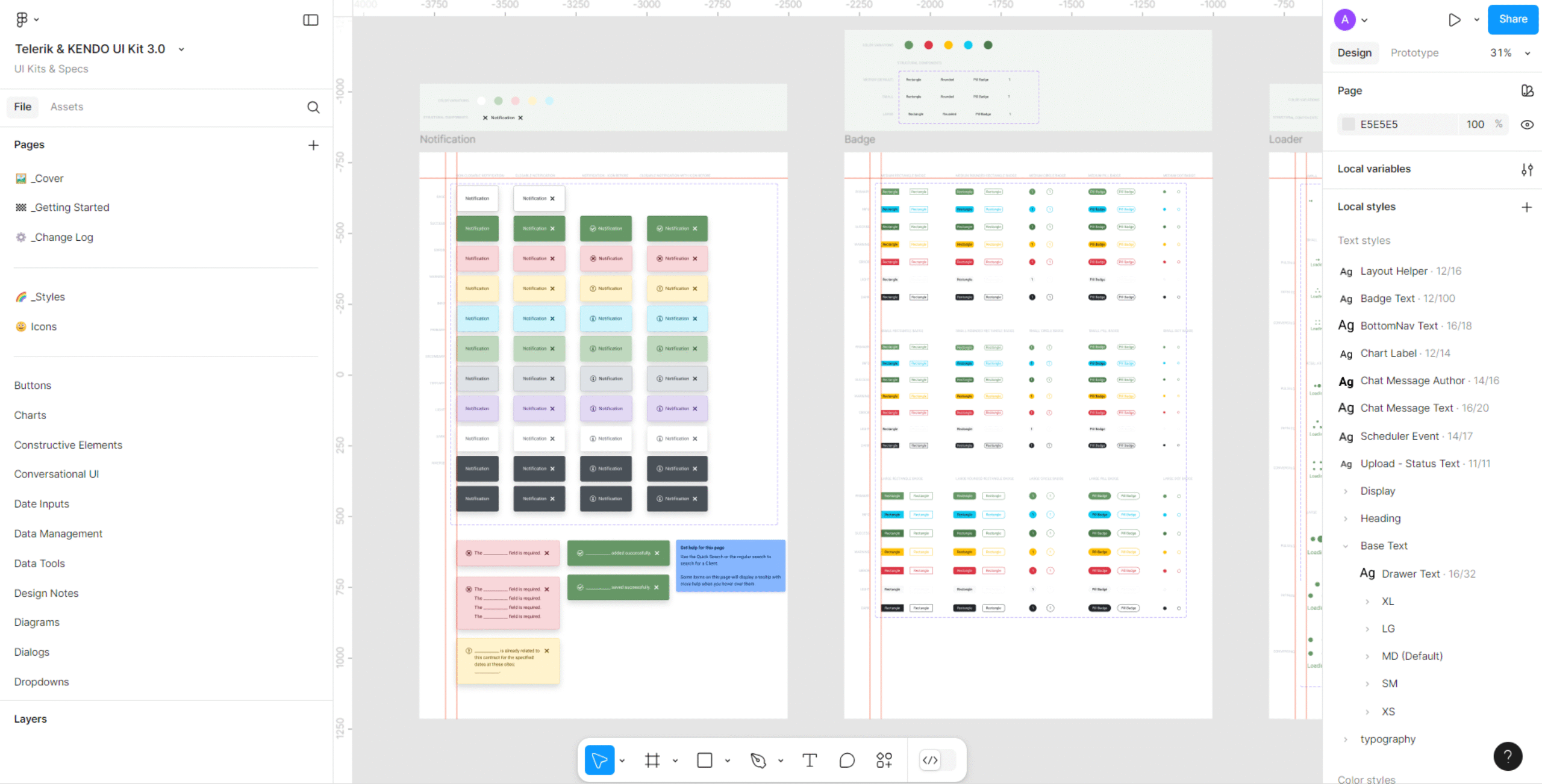
Legacy enterprise apps rarely age gracefully. Most teams inherit screens full of tables, mismatched controls, and custom components that don’t align with any modern UI kit. When I’m redesigning these kinds of workflows for the Trillium Health App, I rely heavily on Telerik/Kendo UI components to bring order, consistency, and clarity back into the interface—while keeping every bit of the original functionality intact.
My approach starts with understanding how the business actually uses the screen today. I ask them to walk me through the full tasks, step-by-step, so I can see which elements matter, which ones never get touched, and where users compensate for gaps in the interface. This prevents the redesign from becoming a visual facelift that ignores real-world workflows.
Once the business flow is clear, I map each element of the old screen to its equivalent Kendo component. Many legacy screens rely on custom-built elements that no longer behave predictably. Replacing them with consistent, well-documented components makes the UI easier to maintain and far easier to hand off to developers.
I focus on rebuilding the screen using a cleaner layout, tighter spacing, and a hierarchy that removes visual noise. In many cases, simply restructuring a dense table into a Kendo Data Grid with proper sorting and filters instantly modernizes the experience. The same goes for buttons, forms, dropdowns, and chips—anything that can be replaced with a Kendo component gets translated.

The final step is running the redesigned screen through my review process. I check spacing, states, and accessibility. Only then does it go to the business for feedback. If something still feels unclear, I refine it and push a second design pass before handing it off to development.
Redesigning legacy workflows doesn’t have to be a full rebuild. When you combine thoughtful discovery with a structured component system, modernizing an outdated screen becomes a predictable, repeatable process.
Through this redesign initiative, I improved usability and interface consistency across multiple legacy workflows. The updated screens reduced visual clutter, streamlined navigation, and simplified developer handoff by standardizing components within Telerik/Kendo UI. This approach strengthened maintainability, improved user accuracy, and accelerated future updates without requiring a full system rebuild.
✢✢✢✢✢✢✢✢✢✢✢✢✢✢✢✢✢✢✢✢✢✢✢✢✢✢✢✢✢✢
I’m Anne, a Design Systems Specialist and UI Designer who blends systems thinking with design craft to create cohesive, scalable, and visually refined products. Follow me: