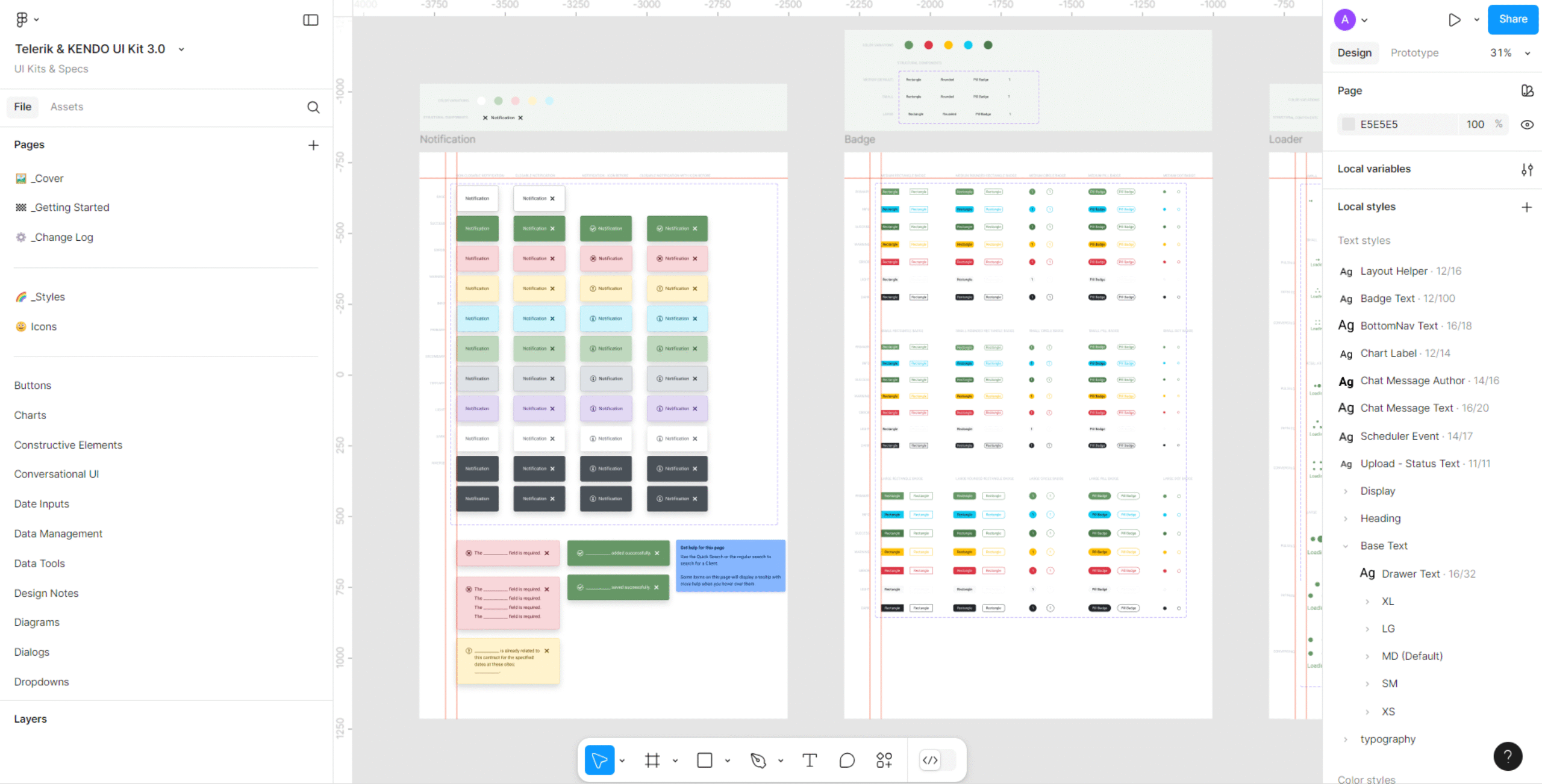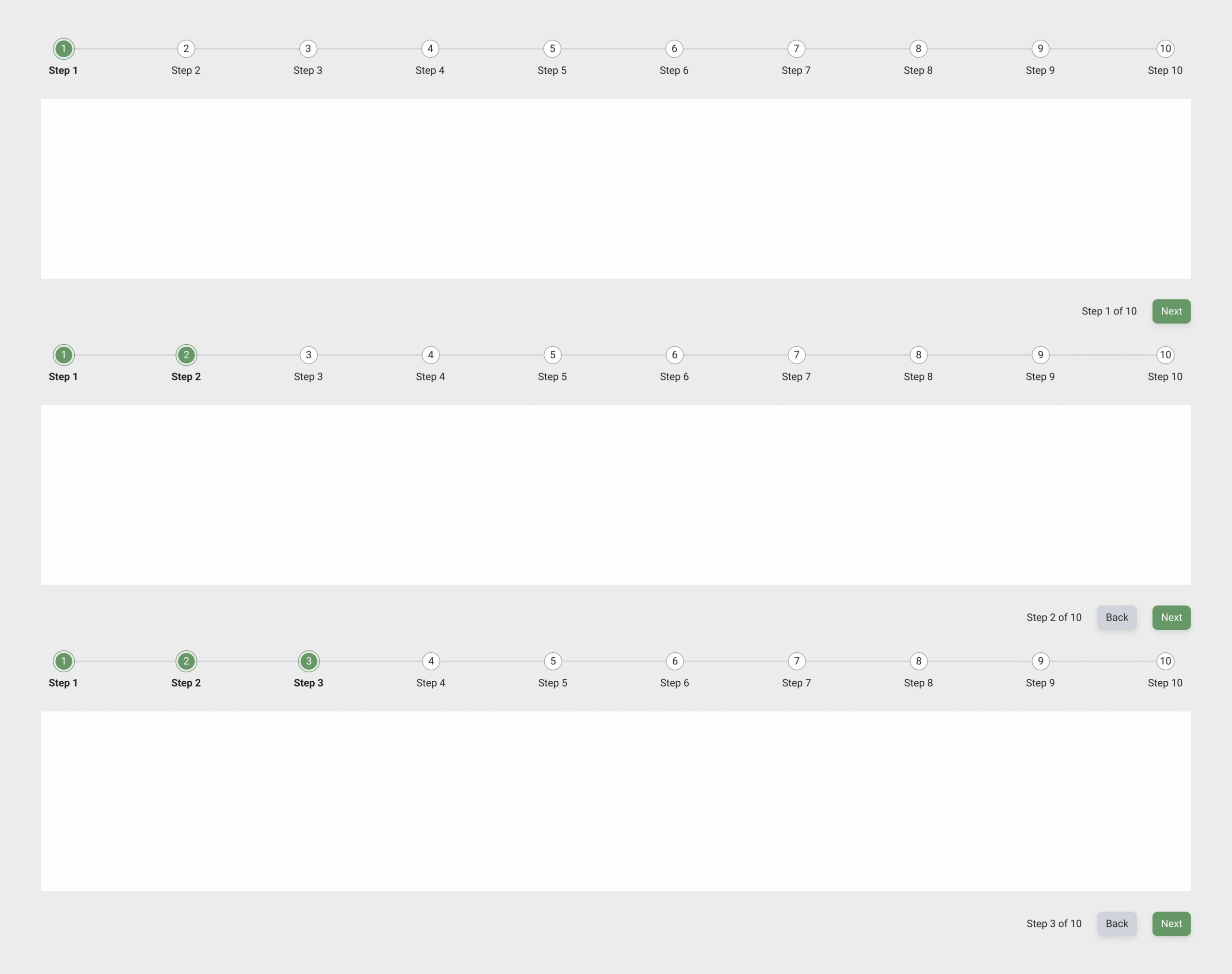

Most teams underestimate how much work it takes to turn a UI kit into something developers can actually ship. Kits look complete on paper, but they rarely map cleanly to the realities of a legacy enterprise app. My job is to take a UI kit or a design system and translate it into consistent, production-ready screens that match code, work with constraints, and reduce friction for the developers who have to build it.
I start by grounding myself in how the current system actually behaves. That means reviewing the business use cases and having users demo the existing workflows. Legacy apps always carry hidden logic, odd edge cases, and one-off screens that never make it into documentation. You can’t redesign what you don’t understand, so these demos act as the source of truth before any pixel work begins.
Once I know how the product works today, I map each requirement to a specific component or pattern. Rarely is it a one-to-one match. A kit can contain the building blocks, but using them effectively means knowing how spacing, elevation, typography, form states, and interactive behaviors translate to code. I adjust components only when they fail to support the intended task flow.

My redesigns move through a structured, repeatable process:
- Review business usage
- Watch business demo the current screen
- Write precise tasks and user flows based on what users showed
- Redesign each screen using Telerik components (the UI kit I’m using now)
- Iterate quickly based on feedback
- Add spacing specs and interaction details directly in Figma
- Produce prototypes that act like the real workflow
- Hand off with component references, user flow notes, and expected behaviors
This workflow eliminates guesswork for engineering. Every spacing variable, component choice, and flow decision ties back to something in the kit or the existing codebase. When devs implement it, they already know which Telerik control to use, how it should behave, and where it fits in the larger system.
The result: clean, consistent UI that mirrors the code-level reality instead of drifting away from it. This is the core value of a hybrid UI + design-systems IC—taking raw kits and turning them into real screens that teams can build with confidence.
By translating UI kits into developer-ready interfaces, I deliver design outputs that integrate seamlessly with existing codebases. My process reduces rework, speeds up implementation, and ensures consistency across product screens. Developers receive precise specs tied to real components, reducing handoff friction and helping teams ship scalable, maintainable UI faster.
✢✢✢✢✢✢✢✢✢✢✢✢✢✢✢✢✢✢✢✢✢✢✢✢✢✢✢✢✢✢
IC UI Designer • Design Systems Contributor • Figma Libraries, Telerik/Kendo UI, Tokens, Component Libraries